
QR Code Generator
Generate a static QR code in your browser — the content is written into the code and never goes through our servers.
Everything runs in this browser. Text, files and the finished image are not sent to a server.
A Dynamic URL code stores the destination on our servers so you can change it later. The printed symbol points at a short address on this site. This redirect is free and best-effort — not a paid, guaranteed service.
This business-card code uses the same vCard format as our <a href="/qr/vcard">vCard tool</a>.vCard tool.
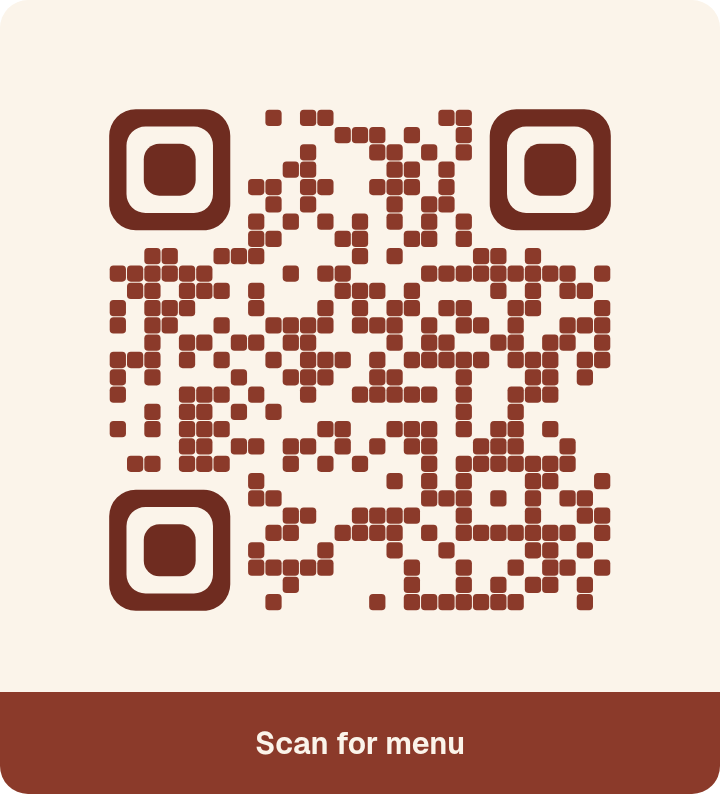
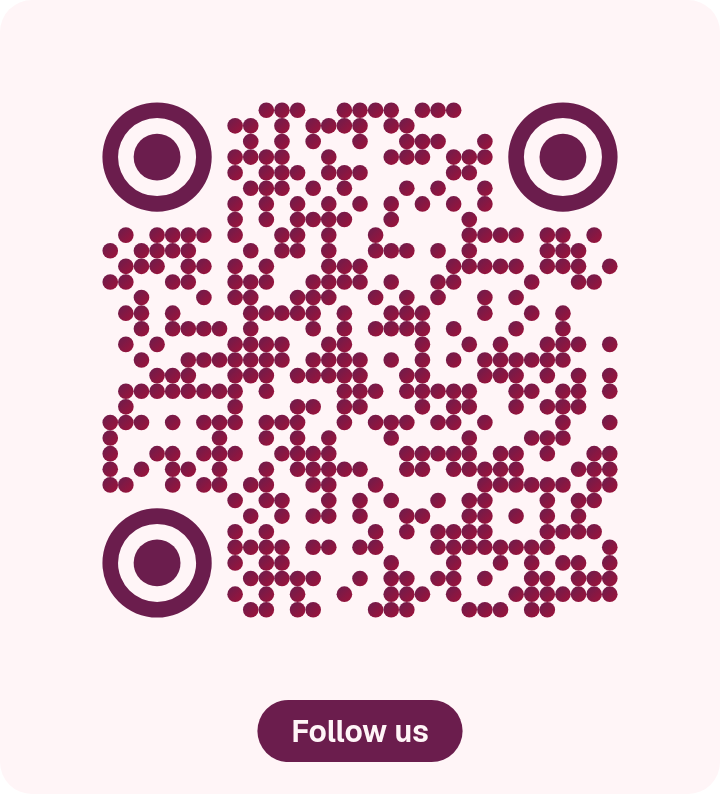
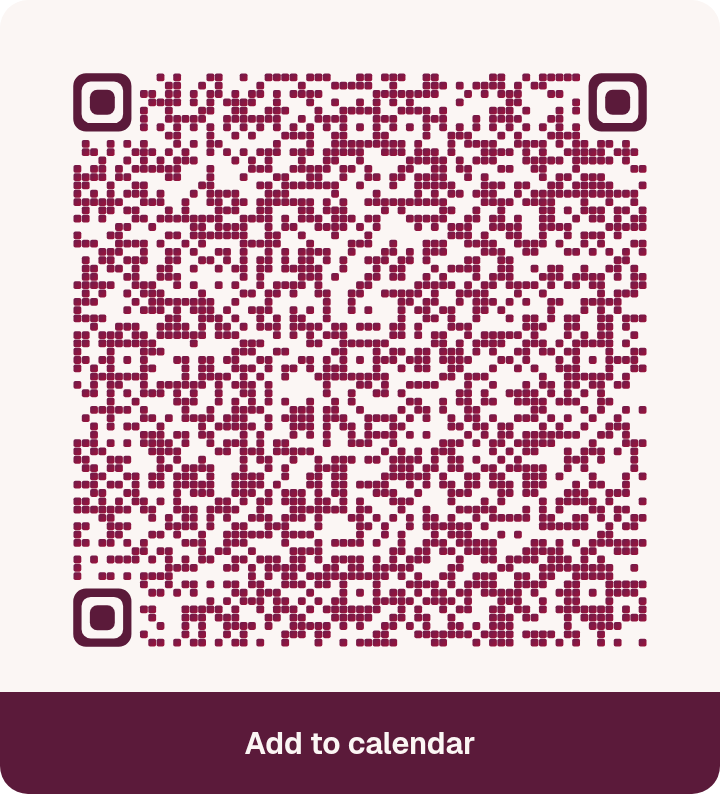
EPS is a classic vector of square modules in a single colour. It does not include a centre mark, a gradient, or shaped modules, because those do not travel reliably in EPS. PDF embeds the current preview as a page-sized image, so colours, shapes and a centre mark are kept. Decorative frames and the caption are included in PNG, SVG and PDF only; EPS stays a plain, unframed code.
Style gallery
Fourteen ready-made looks. Tap one to apply it in the generator — any style works with any content.
-
-

-

-
-

-

-

-

-

-

-
-

-

-



All tools
What it does
Choose a content type, fill in the fields, and download a static QR code as PNG, SVG, PDF, or EPS. The code carries the content itself. It does not go through our servers, so it does not depend on this site staying online, and we cannot later change what it points to or count scans.